 Abdul
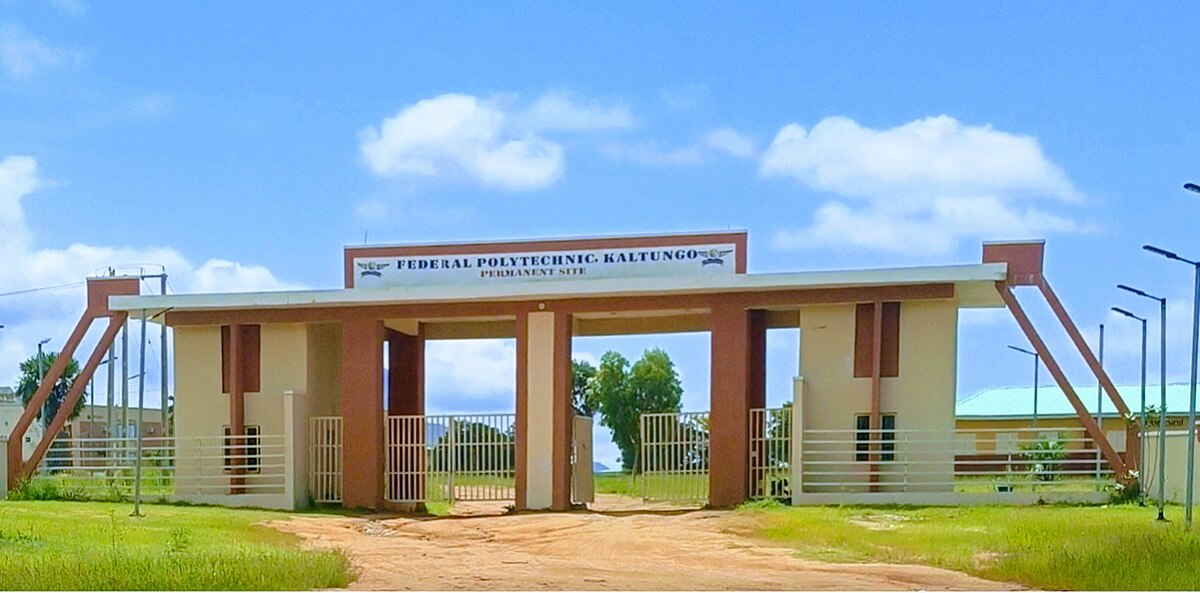
AbdulFederal Polytechnic Kaltungo (Fed Poly Kaltungo) has released the official registration dates and procedures for the 2025/2026 academic session. This detailed guide covers fresh and returning students’ registration timeline, step-by-step instructions, portal login details, acceptance fee payment steps, clearance procedures, course registration, and important tips to ensure a smooth process that avoids penalties or delays.
Overview of Fed Poly Kaltungo Registration 2025/2026
Federal Polytechnic Kaltungo is a federal tertiary institution located in Gombe State, Nigeria, offering various National Diploma (ND) programs. Before the commencement of lectures for the 2025/2026 academic session, all students whether newly admitted or returning must complete the registration process within the stipulated timeframe.
Federal Polytechnic, Kaltungo has announced the start of registration for the 2025/2026 academic session. The notice covers fresh students, returning students, and the general public. Registration will run from 5 January 2026 to 26 January 2026.
Registration Dates for 2025/2026 Session
Official Registration Period
- Registration Opens: 5 January 2026
- Registration Closes: 26 January 2026
Students are strongly advised not to wait until the deadline to begin registration, as the portal may experience slowdowns or downtime closer to closing date.
Who Must Register?
Registration 2025/2026 applies to:
- Freshly admitted students
- Returning students
- Students upgrading from remedial or bridging programs
- Students transferring from other institutions (subject to specific requirements)
Why Registration Matters
Registration is a mandatory administrative requirement for:
- Confirming your admission status
- Gaining access to classes and exams
- Recording your academic profile in the school system
- Printing essential documents such as timetable, bio-data form, schedule of fees, and examination card.
Failure to register on time may result in denial of access to semester lectures or exams.
Short window, yes. Students should not wait till the last week. That last-week rush is always noisy.
Anyway, the school also set clear stages for newly admitted candidates. The steps below follow the order given in the notice.
Registration procedures for newly admitted candidates
Step 1: Print JAMB Admission Letter & UTME Result
If you are a fresh student:
- Go to the JAMB e-Facilities portal.
- Print your Admission Letter.
- Print your UTME Result Slip.
These documents are required during clearance and verification.
They should print both from the JAMB portal (E-Facilities).
Step 2: Pay the Acceptance Fee
Visit the Fed Poly Kaltungo portal via the institution’s website.
Generate an RRR (Remita Retrieval Reference) for the ₦2,000 acceptance fee.
Keep the RRR payment evidence safe — you’ll need it later.
Pay the fee at the bank or through online channels.
Step 3: Complete the Screening Form on the Portal
- Go to the polytechnic portal.
- Login with your JAMB Registration Number as Username.
- Use the default password: app.
- Complete the screening form.
This step must be done after you pay the acceptance fee — it enables progression to the next stages.
Step 4: Login Again to Print Registration Documents
After your initial registration:
- Login with your Student Registration Number.
- Use reg as the password.
- Print important documents such as:
- Registration procedures
- Schedule of fees
- Acceptance of provisional admission
- Student’s bio-data form
- Next of Kin form
- Matriculation papers
- Dress Code forms, etc.
Step 5: Departmental Clearance
Take the printed documents and original certificates to your:
- Head of Department (HOD)
- Credentials will be verified and clearance granted.
Once cleared by the HOD, you can proceed to generate additional RRRs for other payments.
Step 6: Generate RRR for Registration Fee
Only students who have been cleared by the HOD can:
- Generate the RRR for the registration fee
- Confirm the exact amount due with the Bursary Department
- Make the payment via bank or online platforms.
Always confirm the amount before paying to avoid refund complications.
Step 7: Register Courses & Print Key Registration Forms
After the registration fee has been successfully paid:
- Login on the portal.
- Register your semester courses.
- Print:
- Semester registration form
- Bio-data
- Examination Eligibility Card
Step 8: Convert the RRR Receipt at the Bursary
Take your bank/online slip to the Bursary Department for conversion into an official school receipt.
This is crucial — unconverted receipts may lead to registration issues later.
Step 9: Report to Academic Secretary’s Office
Bring all files and processed documents to the:
- Academic Secretary’s Office
You will receive two customized student files containing your academic documents.
Step 10: Submit Completed Student Files
Fill the two student files with:
- Original credentials
- School receipts
- Registration documents
Submit:
- One copy to your HOD
- One copy to the Registrar/Academic Secretary’s Office
Tips for a Smooth Registration Experience
Start Early
Begin the registration process as soon as the portal opens — avoid last-minute rushes that may cause errors or slowdowns.
Keep Multiple Copies of Documents
Always keep both printed and digital copies of your credentials and receipts.
Confirm Payment Amounts with Bursary
Before making any payments, verify the correct amount from the Bursary Department to prevent refund issues.
Use Desktop/Laptop for Portal Access
Mobile browsers sometimes have limited features — use a computer for better navigation.
Resumption & Academic Calendar Notes
Although the official course registration deadlines for the 2025/2026 session are managed internally by the institution, students are encouraged to register early and complete their course registration well before lectures commence.
Final Thoughts
This comprehensive guide equips both fresh and returning students of Federal Polytechnic Kaltungo with all they need to know — from registration dates to step-by-step procedures for completing the 2025/2026 academic session registration successfully.

 Abdul
Abdul